Reading Mode.
A calm, focused space in one tap — lights settle to comfortable levels, curtains adjust for natural light, distracting devices switch off.
 Book a demo
LUMYN SMART
One tap, and the whole room agrees — reading, focus, sleep, or a soft light in the dark.
THE MODES
Each mode coordinates lights, curtains and devices together — tap once, or say the word.
A calm, focused space in one tap — lights settle to comfortable levels, curtains adjust for natural light, distracting devices switch off.
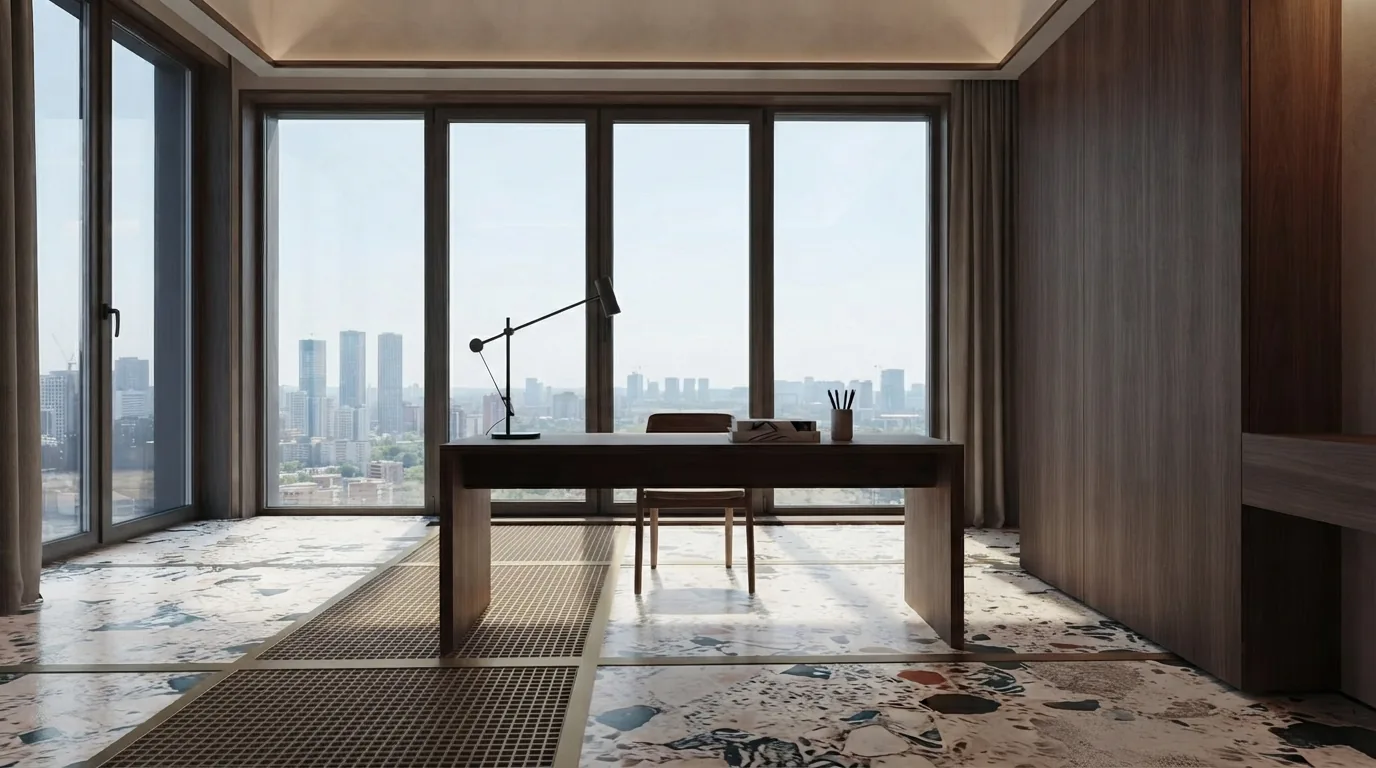
Bright, glare-free lighting for work and study. Curtains open for daylight or close against screen reflections; entertainment stays off until you’re done.
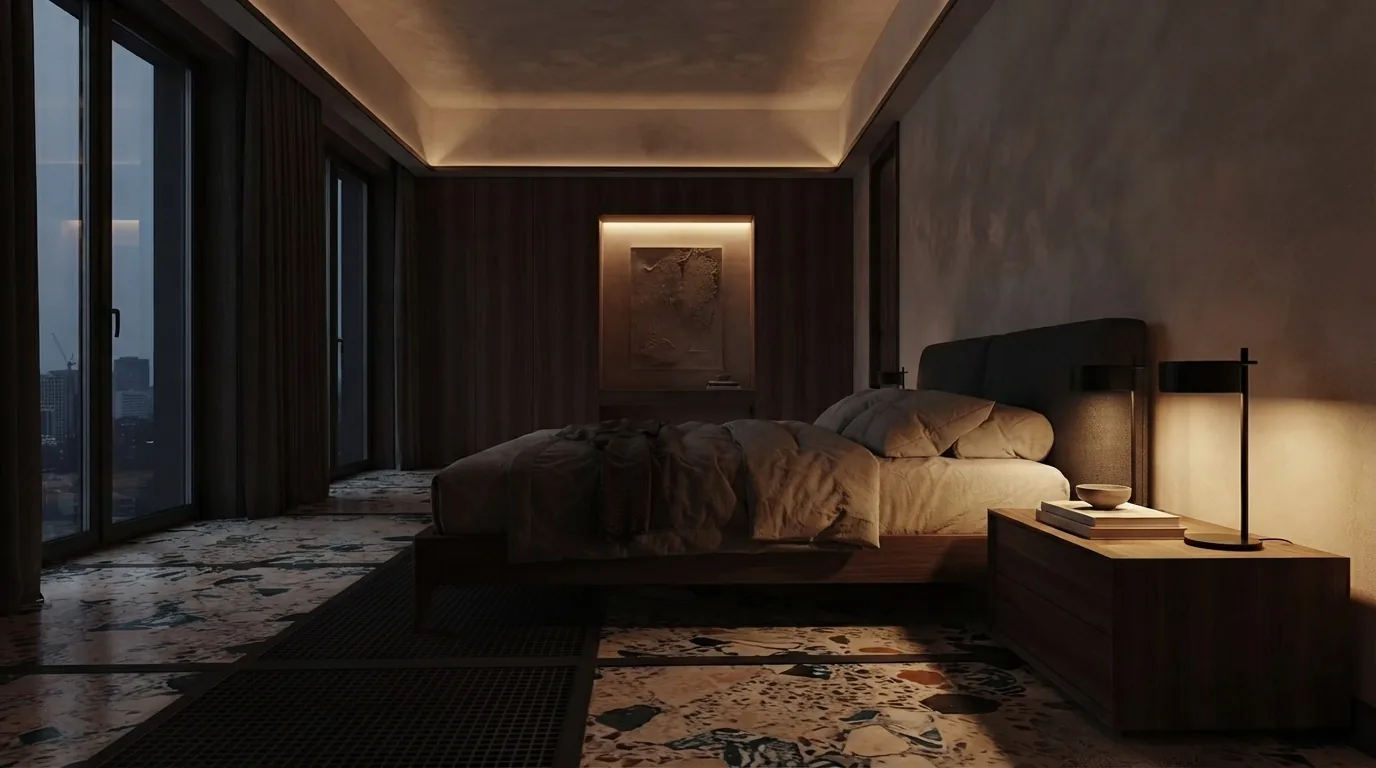
Sleep-ready in one tap — main lights off, AC set to a comfortable temperature from sensor data, everything running quietly for uninterrupted rest.
Step out of bed and a soft pathway light guides you — then switches itself off. Comfort, safety and energy efficiency, hands-free.
AT A GLANCE
One key on the wall panel.
Anywhere in the world.
“Good night” is enough.
Modes that run themselves.
YOUR ROUTINE
Modes are starting points — the Scene Wizard lets you compose your own. Pick the rooms, the levels, the devices and the schedule once, and recall it forever with a touch or a word.
GOOD TO KNOW
Yes — the Scene Wizard lets you compose a mode once (rooms, levels, devices) and recall it forever.
Yes — Night Mode at 11pm, Study Mode after school, Reading Mode on Sunday mornings. Set once, done.
Yes — a mode coordinates lights, curtains and devices across as many rooms as you give it.